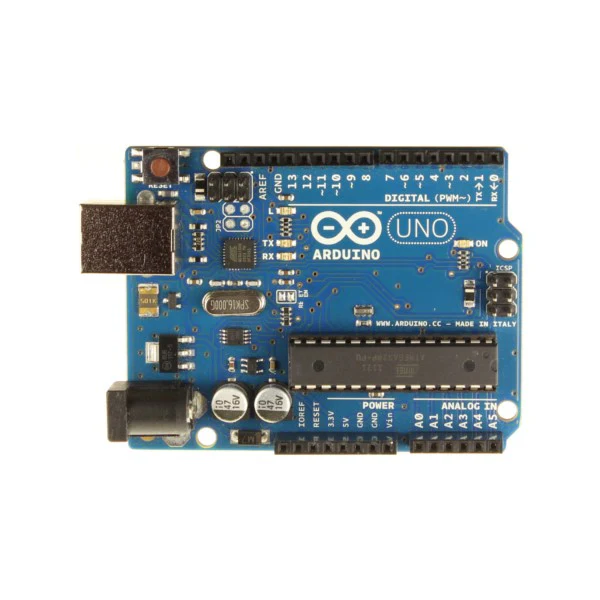
Uno R3 - Clone Original Chips original FTDI ATML MEGA16U2
The UNO R3 is backwards compatible with the Arduino UNO - same driver, same uploading, same look.
Uno R3 - Clone original FTDI ATML MEGA16U2
Description
- There are a few changes in the UNO, here is what they are
- ATmega16U2 instead of the 8U2 found. This allows for faster USB transfer rates.
- No drivers needed for Linux or Mac (.inf file for Windows is needed and included in the Arduino IDE)
- The ability to have the Uno show up as a keyboard, mouse, joystick, etc.
- New SDA and SCL pins next to the AREF. this is a duplication of the Analog 4 and 5 pins.
- Two new pins placed near the RESET pin. One is the IOREF that allow the shields to adapt to the voltage provided from the board. The other is a not connected and is reserved for future purposes.
- Reset button moved from center of board to corner near USB connector, allowing resets when shields are connected.
- Larger heat sink copper area for the LM117 regulator
Documents
For getting started for Arduino book ,Click Here
For simply Arduino(أردوينو ببساطه) book in Arabic ,Click Here
Product Information
Product Information
Shipping & Returns
Shipping & Returns
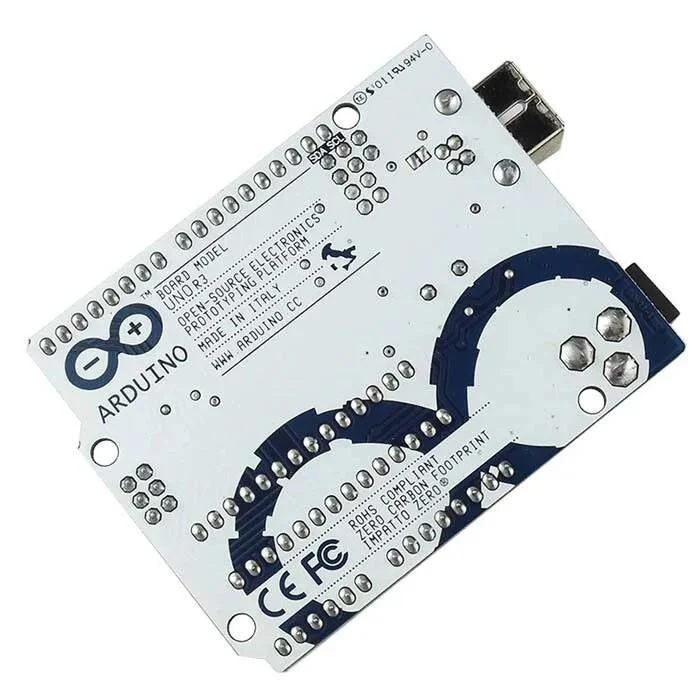
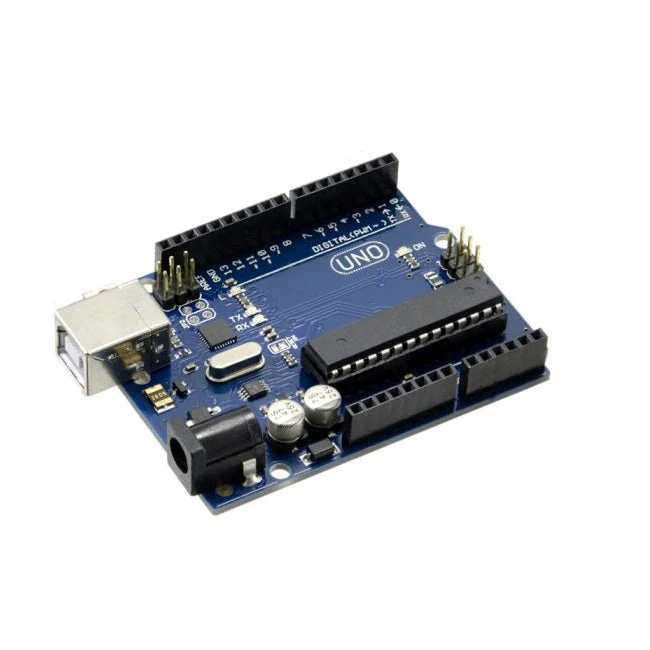
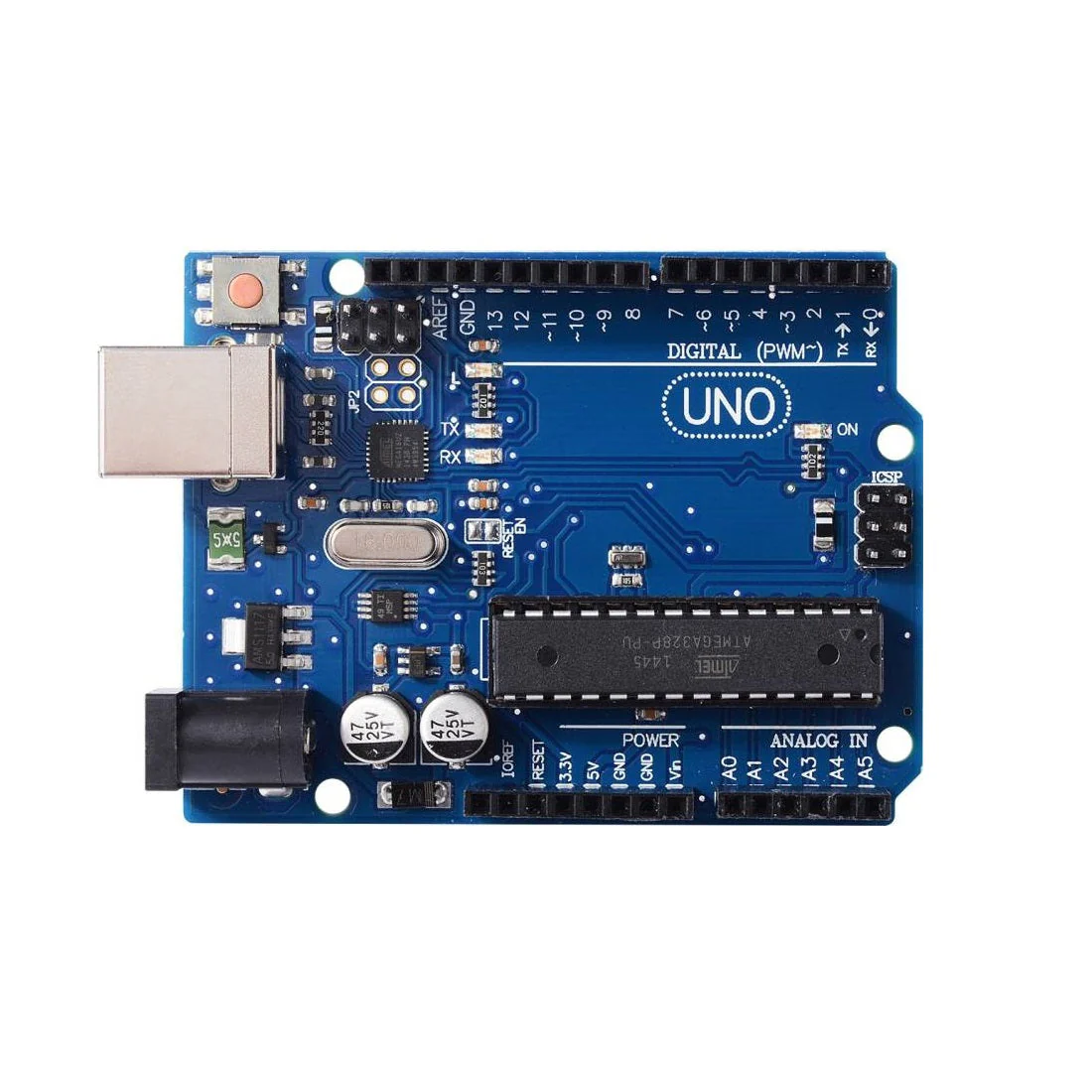
Uno R3 - Clone Original Chips original FTDI ATML MEGA16U2
Uno R3 - Clone Original Chips original FTDI ATML MEGA16U2
The UNO R3 is backwards compatible with the Arduino UNO - same driver, same uploading, same look.
Uno R3 - Clone original FTDI ATML MEGA16U2
Description
- There are a few changes in the UNO, here is what they are
- ATmega16U2 instead of the 8U2 found. This allows for faster USB transfer rates.
- No drivers needed for Linux or Mac (.inf file for Windows is needed and included in the Arduino IDE)
- The ability to have the Uno show up as a keyboard, mouse, joystick, etc.
- New SDA and SCL pins next to the AREF. this is a duplication of the Analog 4 and 5 pins.
- Two new pins placed near the RESET pin. One is the IOREF that allow the shields to adapt to the voltage provided from the board. The other is a not connected and is reserved for future purposes.
- Reset button moved from center of board to corner near USB connector, allowing resets when shields are connected.
- Larger heat sink copper area for the LM117 regulator
Documents
For getting started for Arduino book ,Click Here
For simply Arduino(أردوينو ببساطه) book in Arabic ,Click Here
Product Information
Product Information
Shipping & Returns
Shipping & Returns
Description
The UNO R3 is backwards compatible with the Arduino UNO - same driver, same uploading, same look.
Uno R3 - Clone original FTDI ATML MEGA16U2
Description
- There are a few changes in the UNO, here is what they are
- ATmega16U2 instead of the 8U2 found. This allows for faster USB transfer rates.
- No drivers needed for Linux or Mac (.inf file for Windows is needed and included in the Arduino IDE)
- The ability to have the Uno show up as a keyboard, mouse, joystick, etc.
- New SDA and SCL pins next to the AREF. this is a duplication of the Analog 4 and 5 pins.
- Two new pins placed near the RESET pin. One is the IOREF that allow the shields to adapt to the voltage provided from the board. The other is a not connected and is reserved for future purposes.
- Reset button moved from center of board to corner near USB connector, allowing resets when shields are connected.
- Larger heat sink copper area for the LM117 regulator
Documents
For getting started for Arduino book ,Click Here
For simply Arduino(أردوينو ببساطه) book in Arabic ,Click Here